About this template
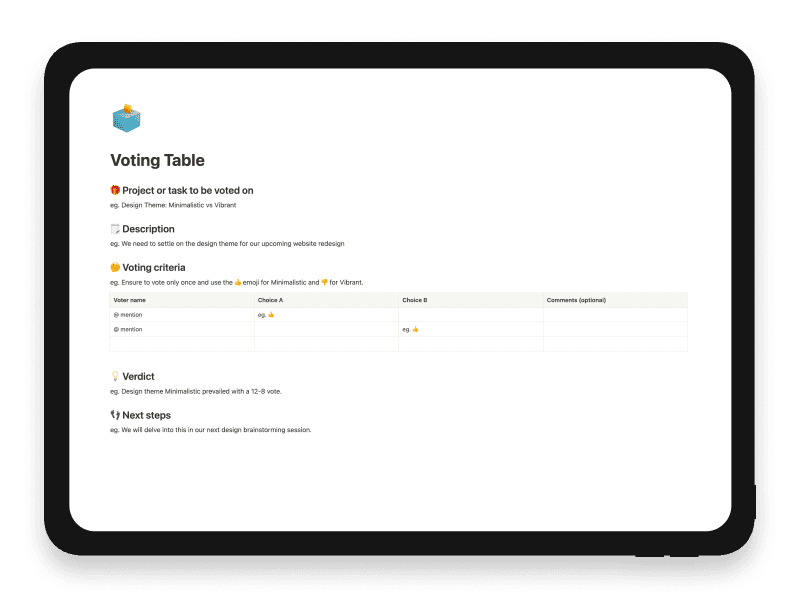
The Voting Table Notion template is a straightforward tool for facilitating team decisions, often used for choosing between options like design themes. It outlines the project or task at hand, provides a brief description, and sets the voting criteria, usually through emoji representation.
Project/Task: Specifies what is being voted on, such as a design theme.
Description: Gives context for the decision, like the need for a website redesign.
Voting Criteria: Explains how to vote, often using emojis for quick visual cues.
The table itself lists voter names and their choices, along with optional comments. After the vote, the template includes a section for announcing the verdict and outlining next steps. This ensures that everyone is on the same page and knows what to expect moving forward.
Key features
- Project or decision description
- Voting criteria and instructions
- Choice table with voter comments
- Verdict section
- Next-step capture
What's included
- Item or project description
- Voting criteria and instructions
- Voter table with two choices and optional comments
- Verdict section
- Next-steps section
Use cases
- Team decision-making
- feature voting
- design critique
Who it’s for
- Product managers
- Product teams
- Workshop facilitators
Frequently asked questions
Answers to common questions about this template.
Each voter places their choice under option A or B and can add an optional comment.
Yes. A Voting Criteria section explains what is being assessed and how participants should vote.
The Verdict section records the decision, followed by a dedicated Next Steps area.
Ready to use Voting Table?
Get this Notion template for $6.
Related templates
Pre-mortem
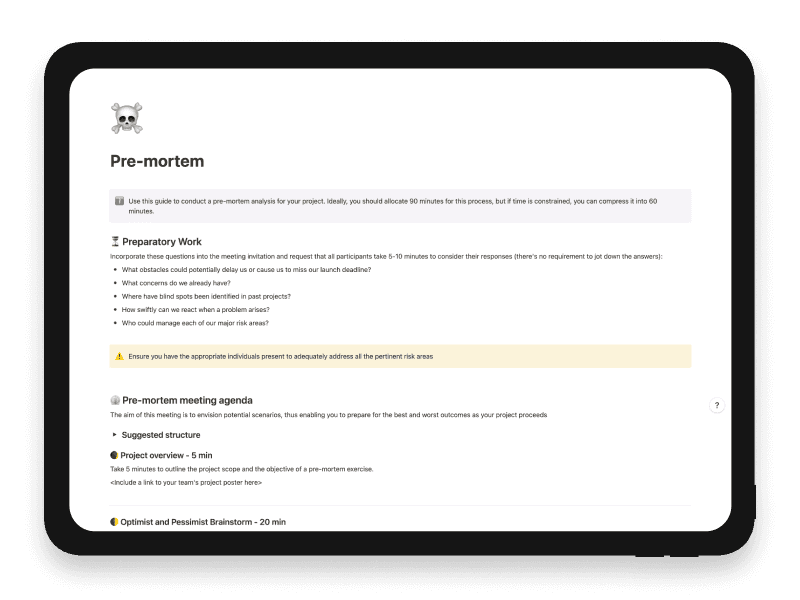
A strategy tool for anticipating possible problems and creating preemptive solutions.
SMART Goals
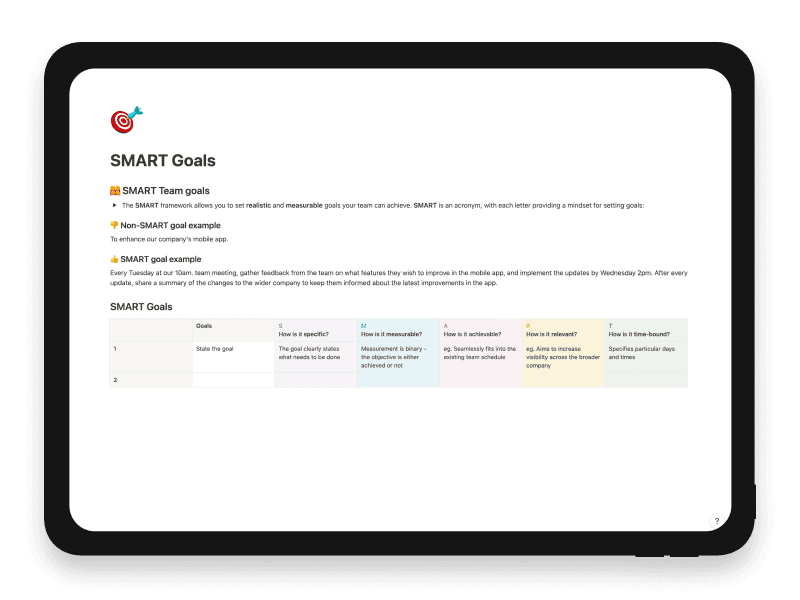
Develop clear, measurable, and achievable goals with this template.
2x2 Prioritisation Matrix
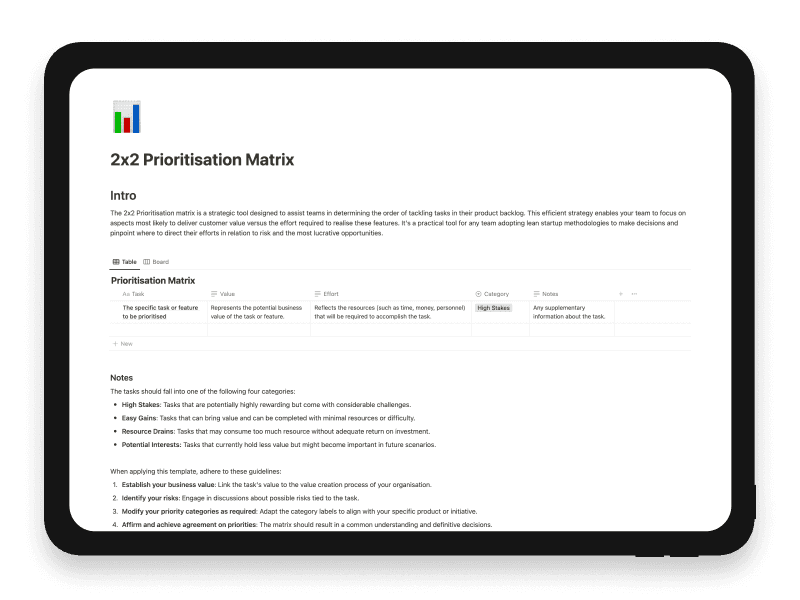
Compare product ideas, features and initiatives by value and effort in a visual 2x2 matrix.
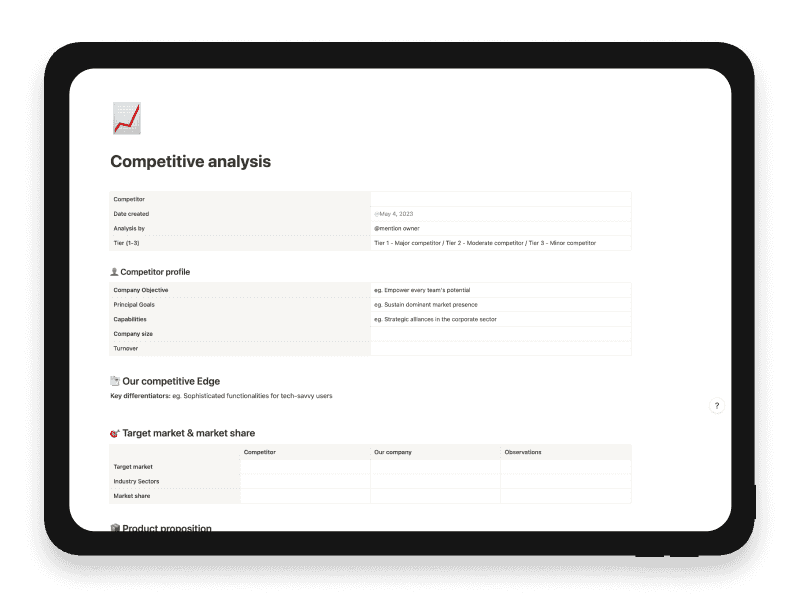
Competitive Analysis
Evaluate your competition and understand their strengths and weaknesses.