About this template
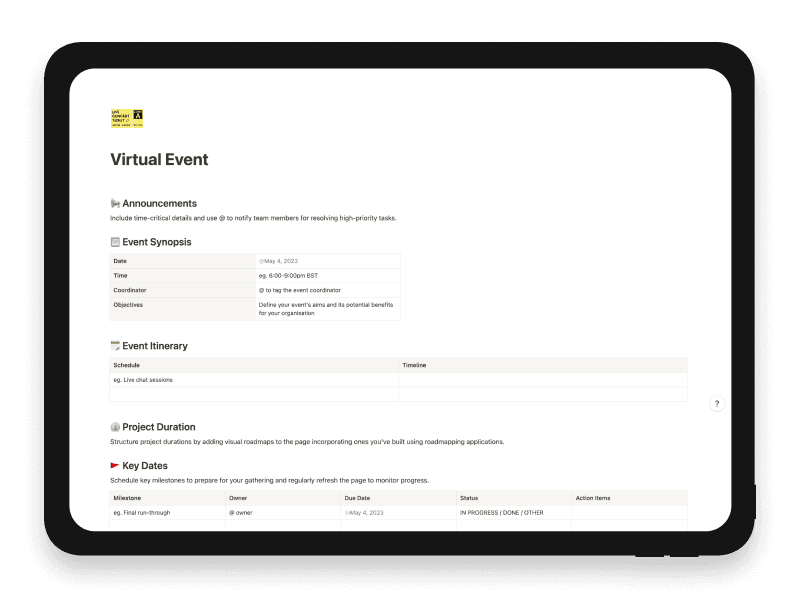
The Virtual Event Notion template serves as a comprehensive guide for planning and executing successful online events.
Announcements: A section for urgent updates or tasks that need immediate attention.
Event Synopsis: Provides essential details like date, time, coordinator, and objectives of the event.
Event Itinerary: Outlines the schedule and timeline, such as live chat sessions.
Project Duration: Allows for the inclusion of visual roadmaps to track the event's progress.
Key Dates: Lists crucial milestones, their owners, due dates, and statuses, ensuring everyone is aligned.
Task List: Divided into Pre-event, During Event, and Post-event tasks, each with an owner, due date, status, and action items. For example, pre-event tasks might include marketing activities, while post-event tasks could involve follow-up with new leads.
Event Materials: Keeps track of event collateral like leaflets, including who owns them and when they were last updated.
Resources: A space for linking to additional documentation, such as financial reports or project outlines.
Contacts: Lists contact details for team members and other stakeholders involved in the event.
This template is a one-stop solution for organizing virtual events, ensuring that nothing falls through the cracks and that the team stays on track.
Key features
- Event synopsis and itinerary
- Key dates and milestone tracking
- Pre-event, live-event and follow-up tasks
- Event-material ownership and documentation
- Resources and contact directory
What's included
- Announcements, event synopsis and itinerary
- Project-duration and key-date planning
- Separate pre-event, live-event and post-event tasks
- Owner, due-date, status and action-item fields
- Event-material tracker
- Resources and contact directory
Use cases
- Webinar planning
- Virtual event management
- Event task coordination
Who it’s for
- Product marketing teams
- Product operations
- Cross-functional event teams
Frequently asked questions
Answers to common questions about this template.
The synopsis captures the date, time, coordinator and objectives, followed by an itinerary and duration guidance.
There are distinct tables for pre-event, during-event and post-event tasks, each with owner, due date, status and actions.
Yes. Event collateral has its own table, and a contact directory records names, roles and contact information.
Ready to use Virtual Event?
Get this Notion template for $6.
Related templates
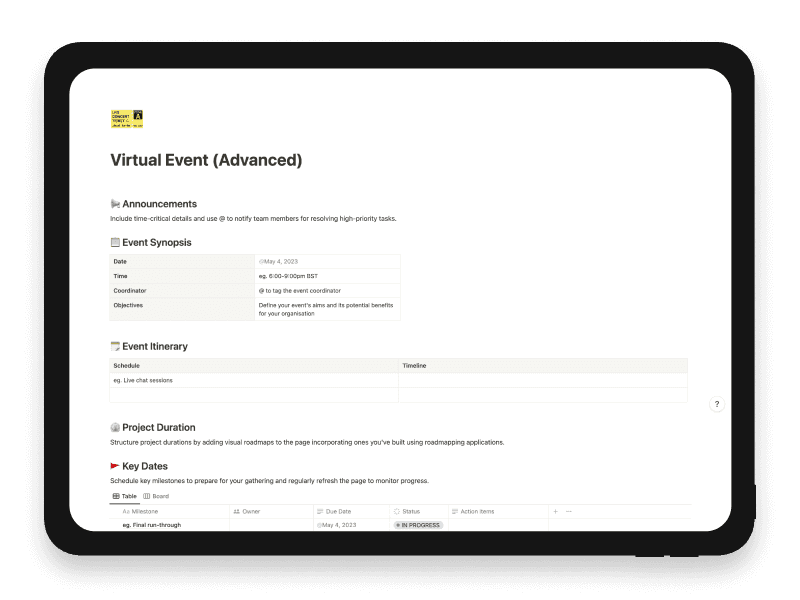
Virtual Event (Advanced)
Manage virtual-event dates, staged tasks and materials through database-backed tracking.
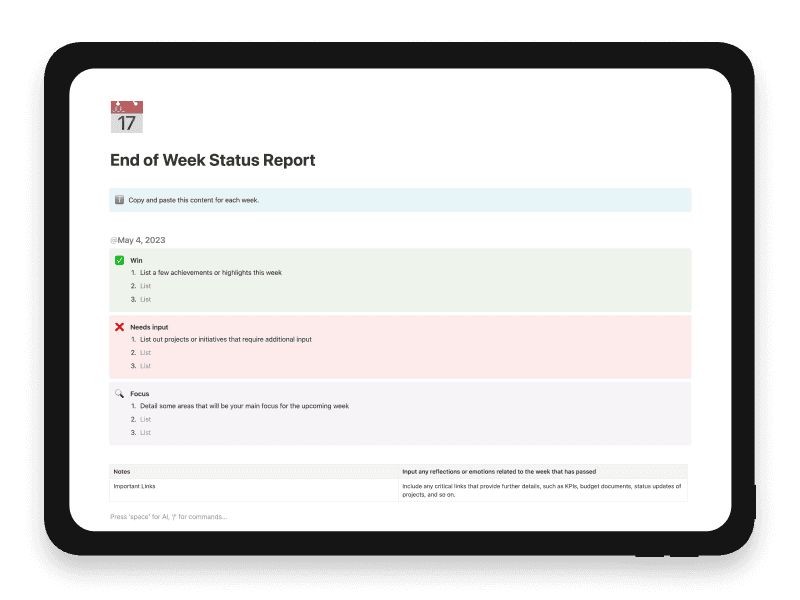
End of Week Status Report
Provides a concise, results-focused weekly overview, highlighting areas for attention and fostering effective team communication.
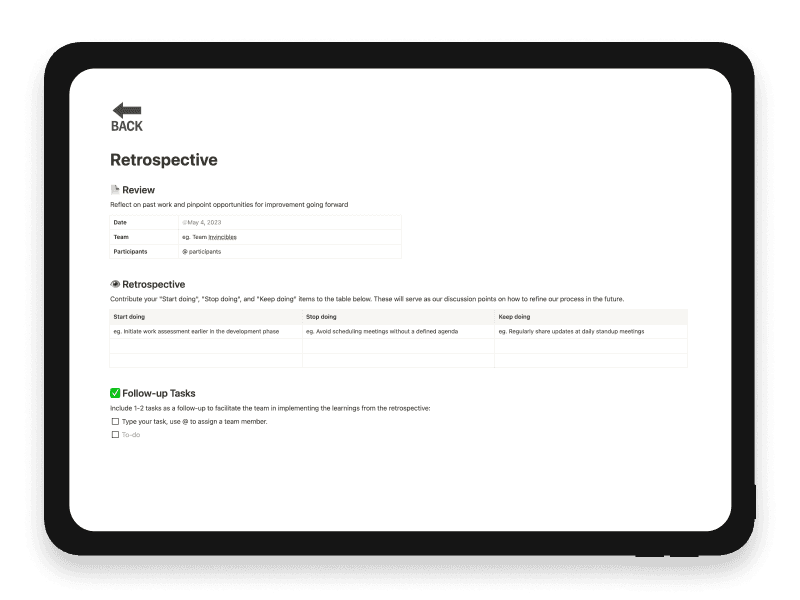
Retrospective
A tool to review and analyse past performance and create action plans for improvement.
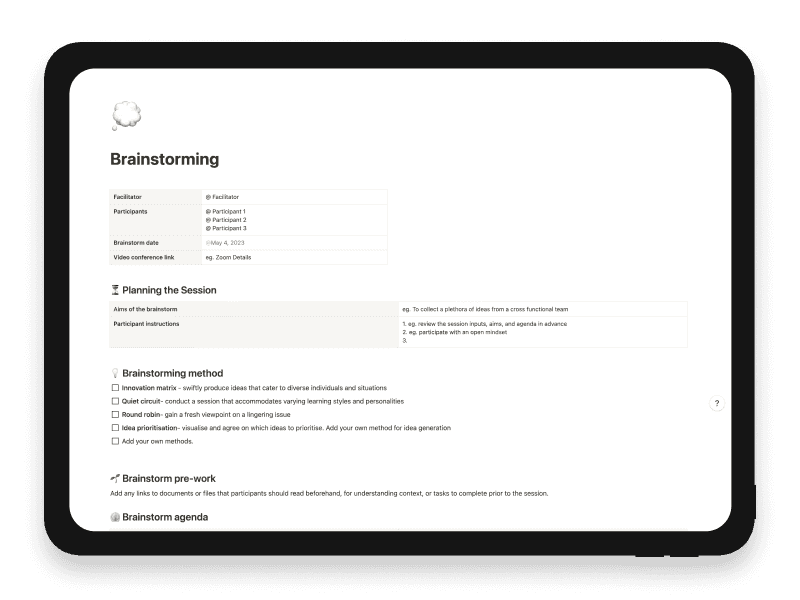
Brainstorming
Generate creative solutions and innovative ideas in a group setting.